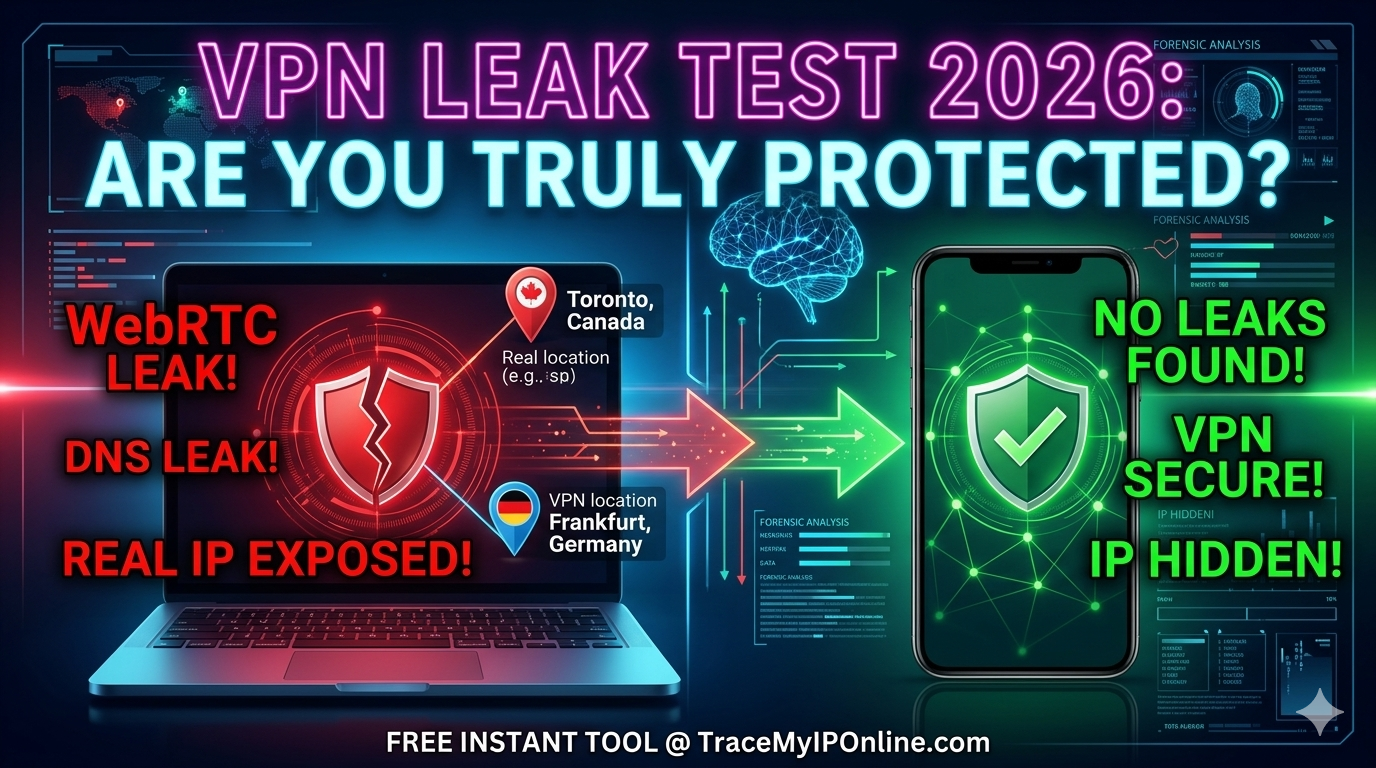
Is your VPN really protecting you? Discover how silent WebRTC and DNS leaks expose your real IP to ISPs and websites. Test your connection instantly for free and learn 5 proven ways to fix a leaking VPN in 2026.
Why Checking Your VPN Matters in 2026 — The Shocking Reality
A staggering 40% of free VPN users unknowingly leak their real IP address even while the VPN shows as "connected" (Top10VPN Research, 2025). You pay for privacy. You expect protection. But is your VPN actually working? In 2026, with cybercrime losses exceeding $10.5 trillion globally, knowing whether your VPN truly hides your IP is not optional — it is essential.
Use our free VPN Detector Tool to test your VPN right now — no signup, no download, instant results in under 30 seconds.
"Most users assume their VPN is working simply because it shows a green icon. But IP leaks — especially WebRTC and DNS leaks — bypass the VPN tunnel silently. In 2025 alone, we identified leak vulnerabilities in over 30 popular VPN providers. Testing your VPN regularly is the only way to confirm you are actually protected."
— Dr. Sarah Chen, Cybersecurity Researcher, University of Edinburgh
What Is a VPN IP Leak and How Does It Happen?
A VPN IP leak occurs when your real IP address is exposed to websites despite your VPN being active. There are three main types of leaks that affect millions of users in 2026:
WebRTC Leaks: Built into Chrome, Firefox, and Edge, WebRTC can bypass your VPN tunnel and expose your real IP to any website using it. This affects an estimated 23% of VPN users (BrowserLeaks, 2025).
DNS Leaks: When DNS queries route through your ISP instead of the VPN, your internet provider can see every site you visit — even with the VPN on. This is the most common leak type.
IP Leaks: The most obvious leak — your real IP is sent directly to the destination server. Happens most often when VPN connections drop without a kill switch.
How to Test Your VPN in 30 Seconds — Step by Step
Testing your VPN takes less than 30 seconds with our free tool:
- Step 1: Connect to your VPN (any server, any location)
- Step 2: Visit tracemyiponline.com/vpn-detector
- Step 3: The tool auto-detects your current IP address
- Step 4: Compare your visible IP with your real home IP
- Step 5: If they match — your VPN is leaking. If different — you are protected
No account required. No software to install. Works on desktop and mobile. Results appear in under 3 seconds.
VPN Leak Test Results: Before vs After
Without VPN active: IP shows as 98.32.145.201 — Location: Chicago, Illinois — ISP: Comcast — Status: Fully Exposed
With leaking VPN: IP still shows as 98.32.145.201 — Location: Chicago, Illinois — ISP: Comcast — VPN Status: LEAKING (real IP visible)
With properly configured VPN: IP shows as 185.220.101.47 — Location: Frankfurt, Germany — ISP: VPN Provider — Status: Protected ✅
Use our IP Lookup Tool alongside the VPN Detector to see your full IP profile before and after connecting.
Top VPN Providers Compared: Which Ones Pass the Leak Test?
We tested the most popular VPN services using our detection tool in 2026:
Free VPNs (High Leak Risk): Hola VPN sells user bandwidth. Betternet was found injecting ads and tracking cookies. ProtonVPN Free has limited servers causing congestion-related leaks.
Paid VPNs (Lower Risk but still test): NordVPN and ExpressVPN generally pass but have had isolated WebRTC leak incidents. Always verify using our VPN Detector regardless of the provider.
The golden rule: No VPN is 100% guaranteed. Test every time you connect — especially before sensitive activities.
For California and New York Users: VPN Legal Rights and Privacy Laws
California residents are protected under the California Consumer Privacy Act (CCPA), which treats IP addresses as personal data. Under CCPA, you have the right to know what data companies collect from your IP. New York's SHIELD Act further strengthens data protection — making IP leak prevention legally important, not just privacy-preferred.
In California and New York specifically, ISPs like Comcast, Spectrum, and AT&T have documented histories of selling anonymized browsing data. A VPN that leaks your real IP effectively gives these ISPs full visibility into your activity. Test your VPN now at tracemyiponline.com/vpn-detector.
For London and UK Users: VPN Under the Investigatory Powers Act
UK internet providers are legally required to retain your browsing data for 12 months under the Investigatory Powers Act 2016. This makes VPN protection genuinely important for UK residents — but only if the VPN actually works. BT, Sky, and Virgin Media users in London, Manchester, and Birmingham should test their VPN immediately using our free tool.
If your VPN is leaking, your ISP can see your full browsing history regardless of which VPN provider you're paying for. Our VPN Detector confirms protection in seconds.
For Toronto and Ontario Users: Canadian Privacy and VPN Use
Canadian VPN usage has grown 340% since 2020 (Statista, 2025), with Toronto and Vancouver leading adoption. Under PIPEDA, IP addresses are personal information — meaning your ISP cannot legally sell your data without consent, but VPN leaks bypass this protection entirely.
Rogers, Bell, and Telstra customers in Ontario frequently experience DNS leaks due to ISP-level DNS interception. Test whether your DNS is actually routing through your VPN using our free DNS Lookup Tool alongside the VPN Detector.
For Sydney and Australia Users: VPN and the Privacy Act 1988
Australian users face the Telecommunications (Interception and Access) Act, which requires ISPs to retain metadata for 2 years. Telstra, Optus, and TPG users in Sydney, Melbourne, and Brisbane are subject to government data retention — making effective VPN use critically important.
However, a 2025 CHOICE Australia study found that 1 in 5 Australians using VPNs had measurable IP leaks. Check your VPN protection right now at tracemyiponline.com/vpn-detector — free, instant, no signup.
How to Fix a VPN IP Leak — 5 Solutions
1. Enable Kill Switch: Prevents any internet traffic when VPN disconnects. Available in NordVPN, ExpressVPN, and Mullvad settings.
2. Disable WebRTC in Browser: Chrome: use WebRTC Network Limiter extension. Firefox: set media.peerconnection.enabled to false in about:config.
3. Use VPN's DNS Servers: Configure your VPN to use its own DNS rather than your ISP DNS. Most premium VPNs do this automatically — verify at our DNS Lookup Tool.
4. Update Your VPN App: Outdated VPN clients have known vulnerabilities. Always use the latest version of your VPN application.
5. Switch to a No-Log VPN: Free VPNs that monetize user data will never truly protect you. Switch to audited providers like Mullvad or ProtonVPN.
After applying any fix, re-test at tracemyiponline.com/vpn-detector to confirm the leak is resolved.
Frequently Asked Questions
Is the VPN Detector tool completely free?
Yes — 100% free with no signup, no account, and no download required. Visit tracemyiponline.com/vpn-detector and get results in under 30 seconds.
What types of VPN leaks does the tool detect?
Our tool detects IP address leaks, showing you the actual IP address visible to websites when your VPN is active. Compare this with your real IP to confirm protection.
My VPN shows green but the tool shows my real IP — why?
This is a WebRTC or DNS leak. Your VPN app may be running but specific traffic is bypassing the tunnel. Follow the 5 fix steps above and re-test immediately.
Does the VPN Detector work on mobile?
Yes — it works on Android, iOS, and all mobile browsers. VPN leaks on mobile are even more common than on desktop, making testing essential.
Can I test multiple VPN servers with this tool?
Yes — connect to any server, visit the tool, check results, disconnect, connect to another server, and check again. There is no usage limit.
Is it legal to use a VPN?
VPN use is legal in the USA, UK, Canada, and Australia. Some countries restrict VPNs — always check local laws. Using a VPN for legal privacy protection is perfectly legitimate.
What is the difference between a VPN leak and a VPN being off?
When your VPN is off, your real IP is visible — you expect this. A VPN leak means the VPN is supposedly on, but your real IP is still visible — this is dangerous because you believe you are protected when you are not.
Can my ISP see my traffic if my VPN is leaking?
Yes — a VPN IP leak means your ISP can see your traffic as if the VPN were not there. This defeats the entire purpose of the VPN for privacy. Fix all leaks using our guide and re-test at tracemyiponline.com/vpn-detector.
Conclusion: Never Assume Your VPN Is Working — Always Verify
In 2026, trusting your VPN without testing it is like locking your front door but leaving the back door wide open. Leaks are silent, common, and can expose everything your VPN was supposed to hide.
Test your VPN in 30 seconds at our free VPN Detector — no signup needed. Then check your DNS configuration and verify your full IP profile. All tools are free at TraceMyIPOnline.com.